

Table of Contents
In the age of tap-and-go payments, instant messaging, and QR codes on every table, it’s only natural that business cards would evolve too. At Cloudcard, we’ve seen thousands of professionals and companies in South Africa moving away from paper cards toward powerful digital business cards.
Now, with our latest update, you can take your networking game even further: by learning exactly how to add your digital business card to Apple Wallet. This simple step means you can access your card instantly, without opening any apps, and share your details in seconds, wherever you are.
If you’ve ever scrambled to find your paper card at a meeting, or worried you’d left it behind at home, this guide is for you.
Why add your digital business card to Apple Wallet?
When people ask how to add your digital business card to Apple Wallet, the main reason is convenience but there’s more to it:
✅ Instant access – swipe on your phone screen, tap, and share.
✅ Professional first impression – show you’re up-to-date and tech-savvy.
✅ No extra app needed – your card is right where your boarding passes and bank cards live.
✅ Faster networking – don’t scroll through files, photos or emails.
✅ Fully branded – keep your digital card styled with your logo and colours.
For professionals in South Africa, especially those in sales, marketing, or anyone attending frequent networking events or expos, this feature from Cloudcard is a real game-changer.
Step-by-step: How to add your digital business card to Apple Wallet
Adding your CloudCard digital business card to Apple Wallet is surprisingly simple. Here’s how:
Step 1: Open your CloudCard digital business card
On your phone or computer open up your digital business card
Step 2: Click the menu bar
On the bottom right-hand corner of your profile, tap the three lines (menu) icon.
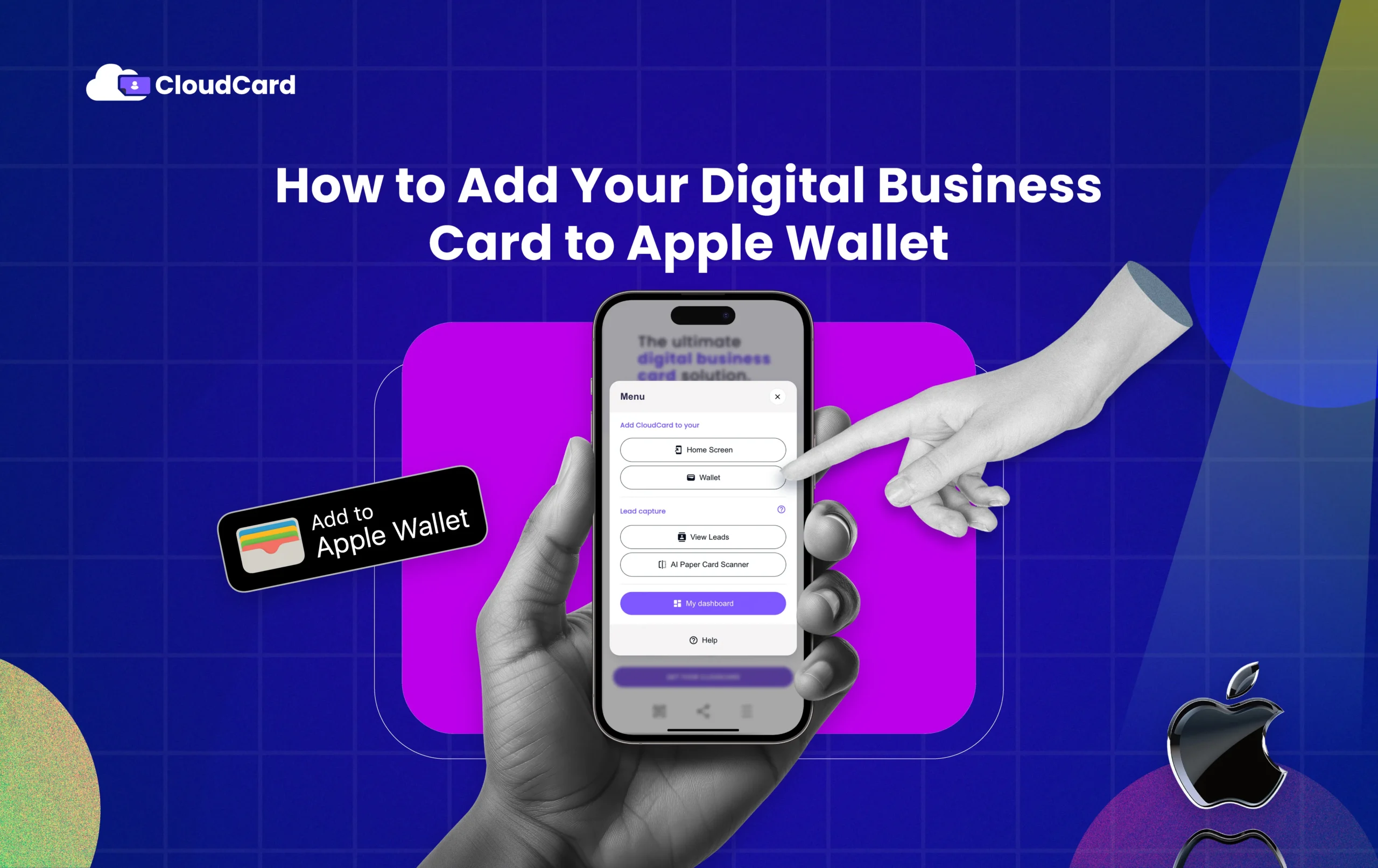
Step 3: Tap on “Wallet”
Select the “Wallet” option. CloudCard will generate a wallet pass that matches your branding.
Step 4: Add to Apple Wallet
A button labelled “Add to Apple Wallet” will appear. Tap it, and your card is instantly stored in your iPhone’s Apple Wallet.
Done! Your branded digital card is now just a swipe away from your lock screen.
Make the most of Apple Wallet integration
Learning how to add your digital business card to Apple Wallet is just the start. Here’s what you can do next to maximise its value:
- Add your logo and brand colours: CloudCard’s in-house design team will help customise your card, so it feels like part of your professional identity.
- Combine with NFC business cards: Have a physical NFC/PVC, bamboo, or metal card for in-person taps, and your digital wallet card as a backup.
- Update in real-time: Change phone numbers, roles, or websites on your digital profile, your wallet pass stays linked and always updated.
- Pair with QR code: Every CloudCard also comes with a QR code, so people without NFC can still scan to get your contact info.
- Use offline: Even if you’re at an event with poor connectivity, your Apple Wallet card still works.
What makes CloudCard different?
At Cloudcard, we don’t just stop at how to add your digital business card to Apple Wallet. Our features are built to help you measure real business impact and stay connected:
✅ Advanced analytics – see which buttons people click most: WhatsApp, email, or website.
✅ Lead capture forms – collect names and emails directly from your card.
✅ CRM Integration– send new contacts straight to your sales pipeline ( Salesforce, Hubspot and Zapier)
✅ AI paper card scanner – digitise paper business cards instantly.
✅ Offline mode – keep networking even without Wi-Fi or data.
✅ In-house design team – ensures your card always looks professional
These tools are why companies like Astron Energy, Yoco, and Safety Grip choose CloudCard to support their teams and track ROI from every networking effort.

Read reviews from companies who recommend CloudCard.
Real-world use cases for Apple Wallet business cards
In South Africa’s competitive business landscape, digital convenience matters. Here are a few examples where knowing how to add your digital business card to Apple Wallet really pays off:
- Sales teams at expos: Quickly share contact info with dozens of prospects.
- Creative professionals: Impress with a sleek, fully branded card always ready.
- Small business owners: Save time and avoid printing costs.
- Executives: Combine with premium engraved metal NFC cards for luxury branding and instant sharing.
No more lost leads, manual data entry, or old paper cards cluttering your drawer.
South African context: why Apple Wallet cards are trending
With Apple devices making up a large share of smartphones in South Africa, especially among business users, Apple Wallet is becoming a daily essential. We use it for boarding passes, store loyalty cards, payment cards, and now, business cards.
At CloudCard, we’re seeing growing demand across Cape Town, Johannesburg, Durban and beyond, as professionals embrace contactless, paperless networking.
Go beyond Apple Wallet: other digital wallet options
CloudCard users can also add cards to:
- Google Wallet – perfect for Android users.
- Samsung Wallet – widely used in South Africa.
Together with your NFC business card and digital profile, these create a seamless experience: share your details anywhere, with anyone, on any device.
Ready to get started?
Schedule a demo and let our team help you create a digital business card that fits your brand, adds real value, and keeps you ahead in networking.
FAQs: How to Add Your Digital Business Card to Apple Wallet
Do I need an iPhone to add my card to Apple Wallet?
Yes, Apple Wallet is only available on iOS devices. Android users can use Google Wallet or Samsung Wallet.
Will my card stay updated if I change my phone number?
Yes! Update your CloudCard profile in the dashboard, your wallet card stays linked.
Can I still use my physical NFC card?
Absolutely. Many professionals use both: a physical NFC card (PVC, bamboo, or metal) and the Apple Wallet card as backup.
How do people without NFC phones get my contact info?
Your CloudCard has a printed QR code, they simply scan it.
Does this cost extra?
Apple Wallet integration is part of the CloudCard Ultra plan, which also includes advanced analytics, AI paper card scanner, CRM export, and more.
What details appear on my Apple Wallet card?
Your name, title, company, contact links, and brand colours, fully customised.
How fast can I get set up?
After you order and share your logo/branding, our design team will set up your digital card and wallet pass quickly.
Is it secure?
Yes. Your Apple Wallet pass links to your secure digital profile. You control what info is shared.

